
From the first call to the final payment.
Here's how a job runs in Waterline, and where your customer fits in with Marco.
Get set up.
- Start your free weekPick a plan and set up your company: name, logo and color.
- Pick your kind of pool companyBuilder, remodeler, service company or spa dealer. Your warranties, estimate wording and payment terms are filled in, and your starter price book loads in one step.
- Bring your data inImport customers, jobs, leads and your price book from a spreadsheet or your old CRM's export.
- Connect StripeSo customers can pay invoices by card or bank from a link.
- Set your service areaAdd the zip codes you serve and the work you take, so pool owners near you can find you through Marco.
Sell it, run it, get paid.
- A lead comes inFrom your website, a phone call, a referral or Marco. Work it through the stages, and log calls, emails and texts on it.
- Write the estimatePull items from your price book. The price check compares it with your similar past jobs and suggests a price. You decide.
- Get it signedSend a link, or hand the customer your screen. Mark it won and it becomes a customer and a job.
- Run the jobSchedule it, order the equipment, track permits and inspections, and log each day with photos. Scope changes go on a change order the customer signs first.
- Bill and get paidDeposits, progress bills and the final invoice, paid from a link and recorded by itself. Job costing shows what the job really made.
- Stay in touchService and warranty calls stay tied to the job. Customers who use Marco can share their water tests with you.
What the pool owner sees.
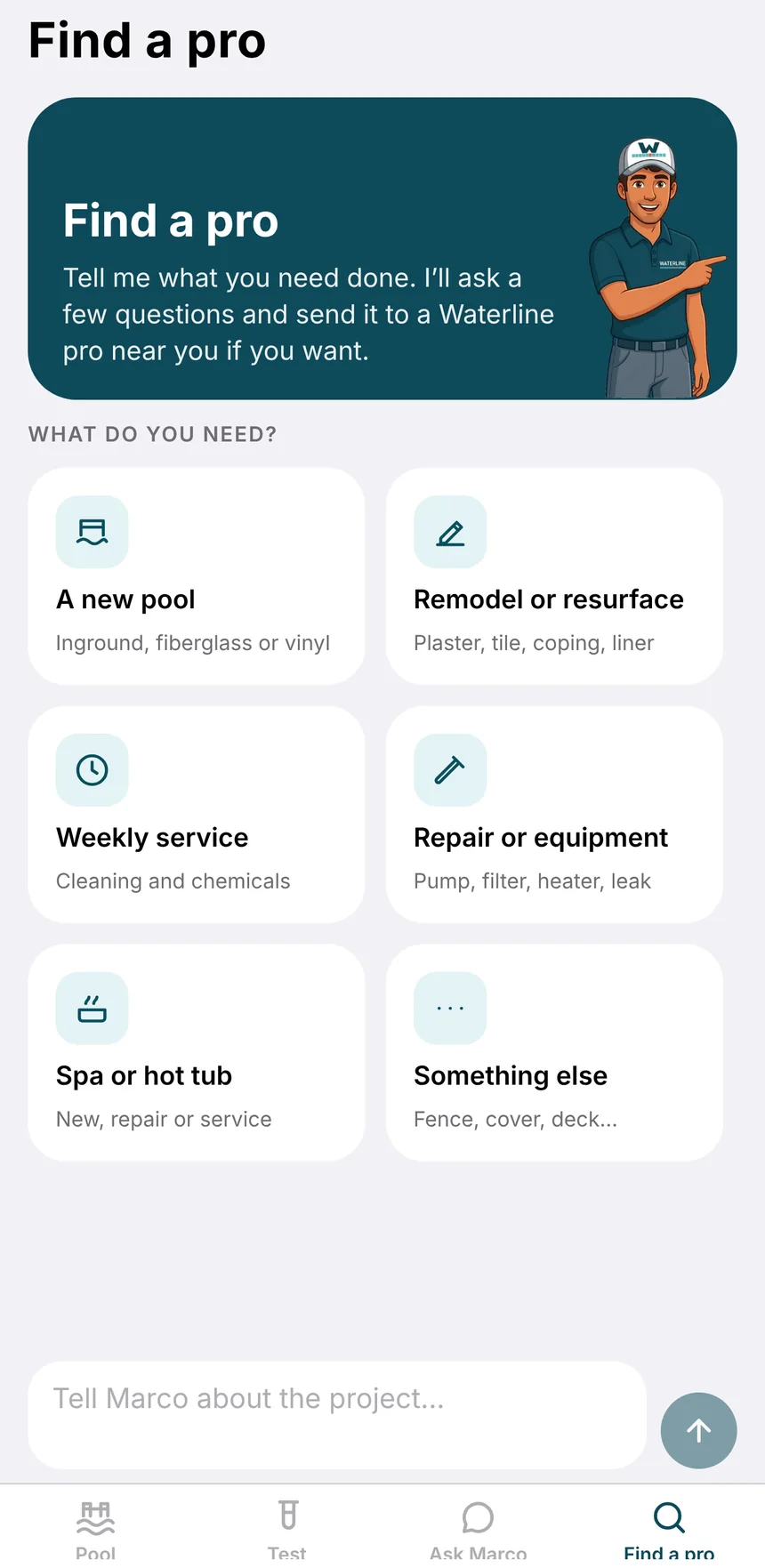
Find a pro
An owner tells Marco what they need: a new pool, a resurface, weekly service, a repair or a spa. With their OK, it goes to one Waterline company near them.
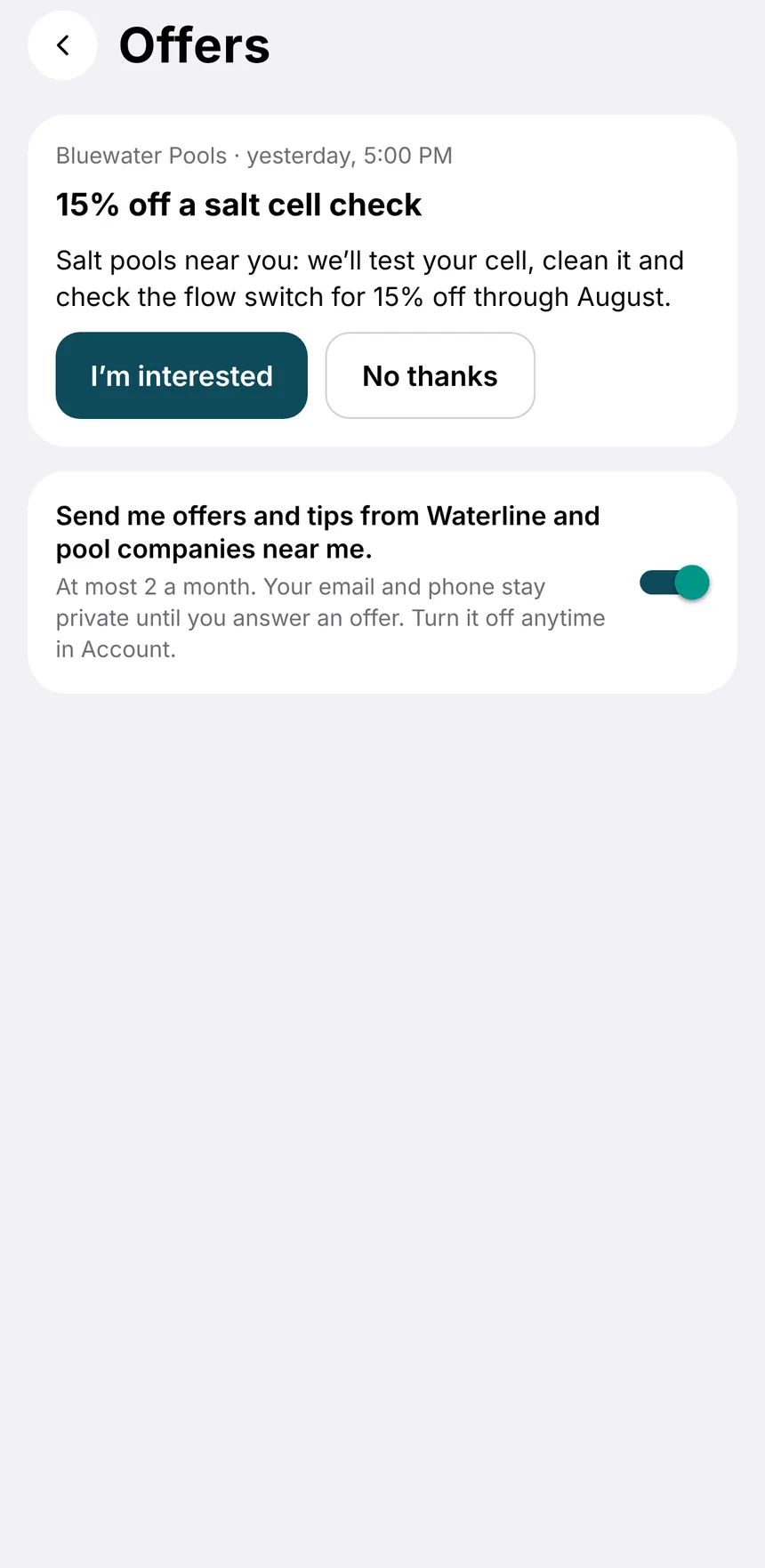
Offers
Owners who turned offers on can get one from you. Nothing about them reaches you until they say they're interested.
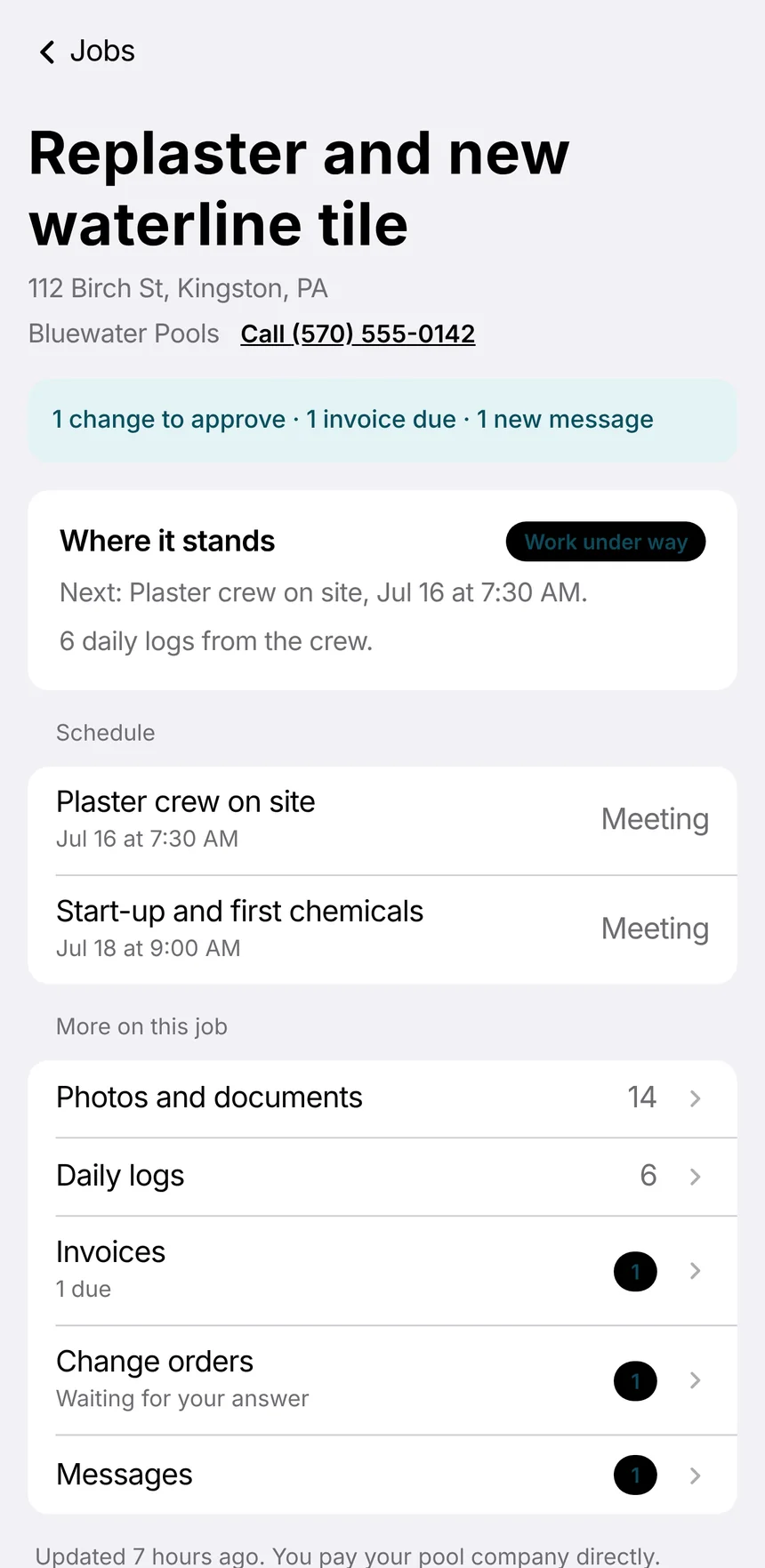
Follow the job
Invited owners see where the job stands, the photos and logs you share, invoices and change orders, and can message your team.
Knowing the limits is part of using it well.
- Set your priceThe price check suggests. Waterline AI explains the numbers from your records. You decide the price.
- Make up a priceIts answers come from your own estimates, job costs and records.
- Show private numbers to the wrong peopleProfit, overhead and ad spend stay with owners and admins.
Try it on your next job.
First week free. Call (866) 464-1540 and we'll walk you through it.